Guide
How to use Chat Transfer
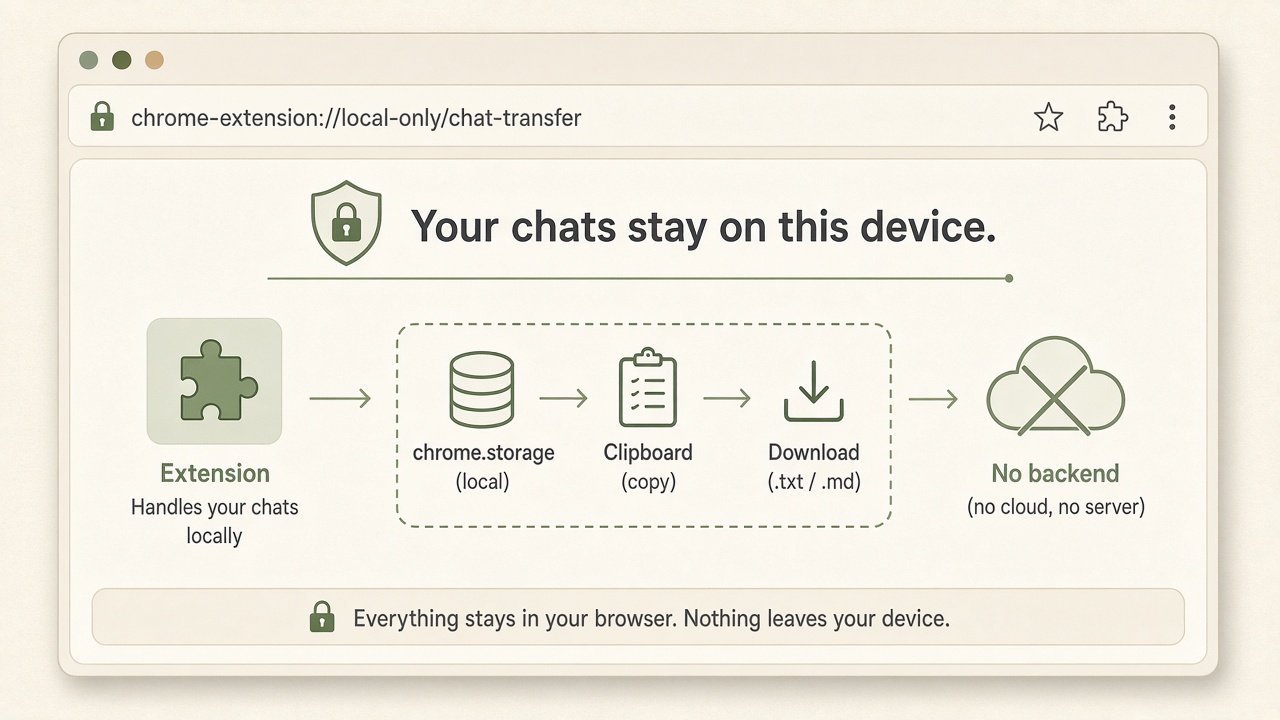
Local Chrome extension. You click; it does not send messages for you.
1. Install
- Chrome Web Store listing is pending review. When it is live, install from the store.
- Meanwhile you can Load unpacked: open
chrome://extensions, enable Developer mode, Load unpacked, select theextension/folder from the project. - Pin Chat Transfer from the puzzle menu.
2. Hop a chat to another AI
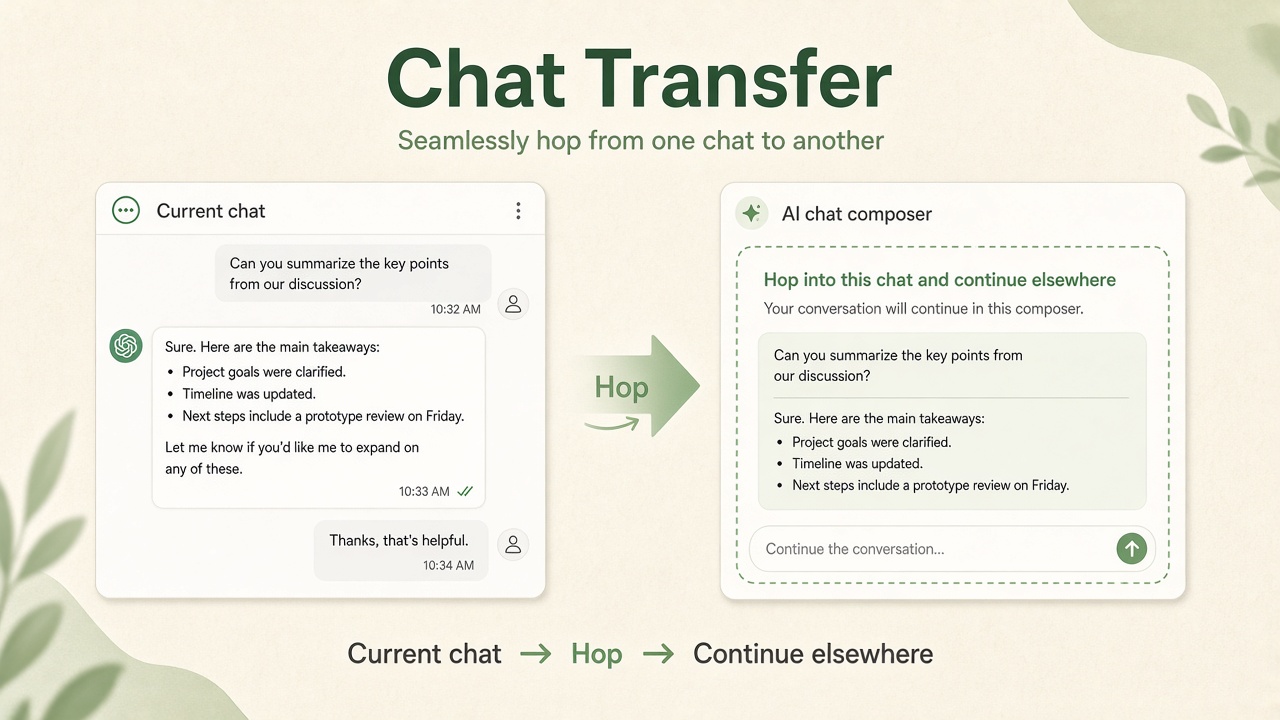
- Open a chat on ChatGPT, Claude, Gemini, or Grok.
- Open the popup → choose Markdown or Plain → choose hop payload (Full / Last N / Last assistant).
- Under Open target, pick the destination → Open target.
- A new chat page opens and Chat Transfer best-effort pastes. It never clicks Send — you do.
3. Copy or export
- Copy — full unwrapped transcript to clipboard.
- Copy last response — last assistant turn only.
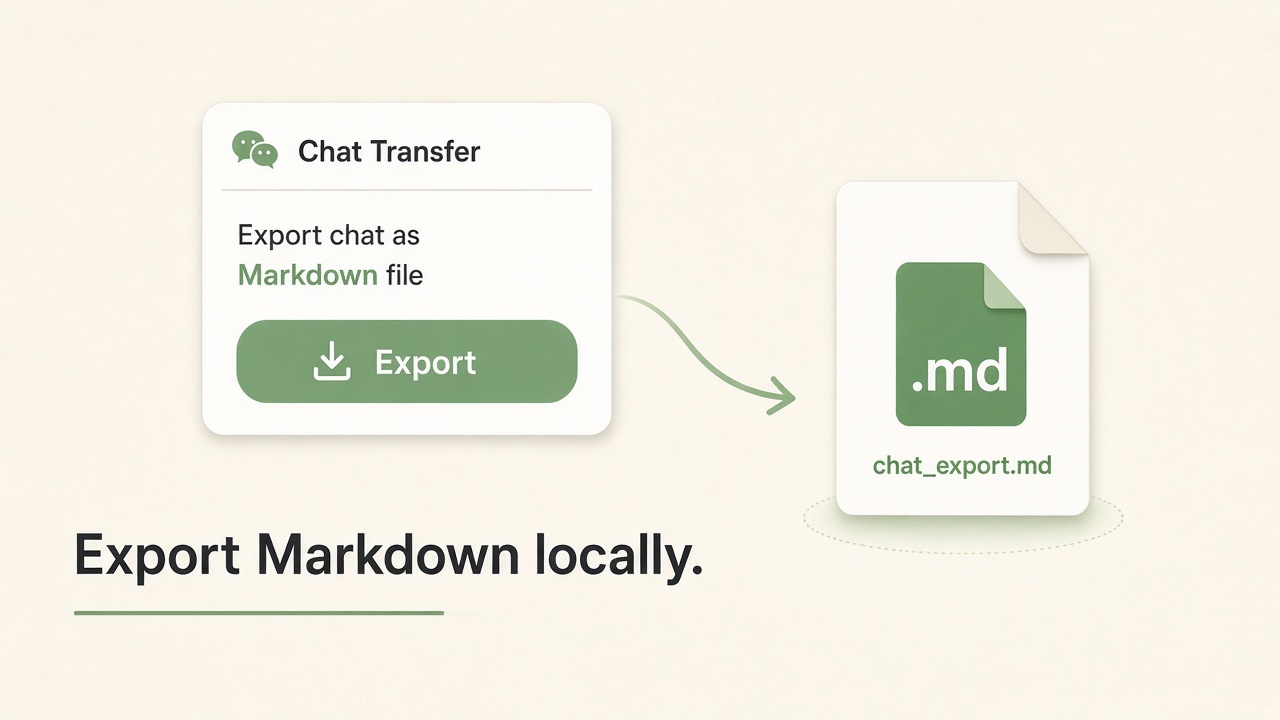
- Export — download a
.md/.txtfile on this device.
4. Large chats (overflow)
If a hop paste would exceed about 12k characters, the composer gets a short Last N (or compact) payload and the full unwrapped Markdown is downloaded. Copy / Export stay full.
5. Privacy defaults
- Demo mode is off by default.
- No backend — chats are not uploaded to us.
- Details: Privacy policy.